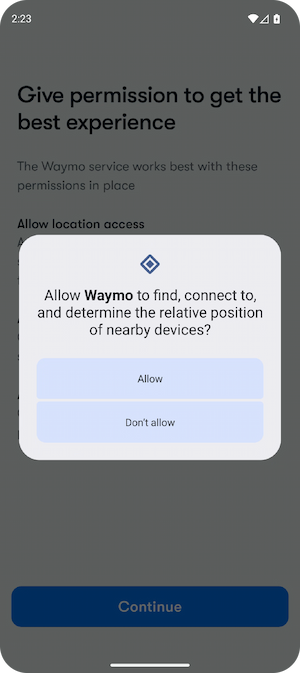
Save hours with faster QA

Audit your beta or live app. Manage test accounts. Take framed screenshots. All from your desktop.

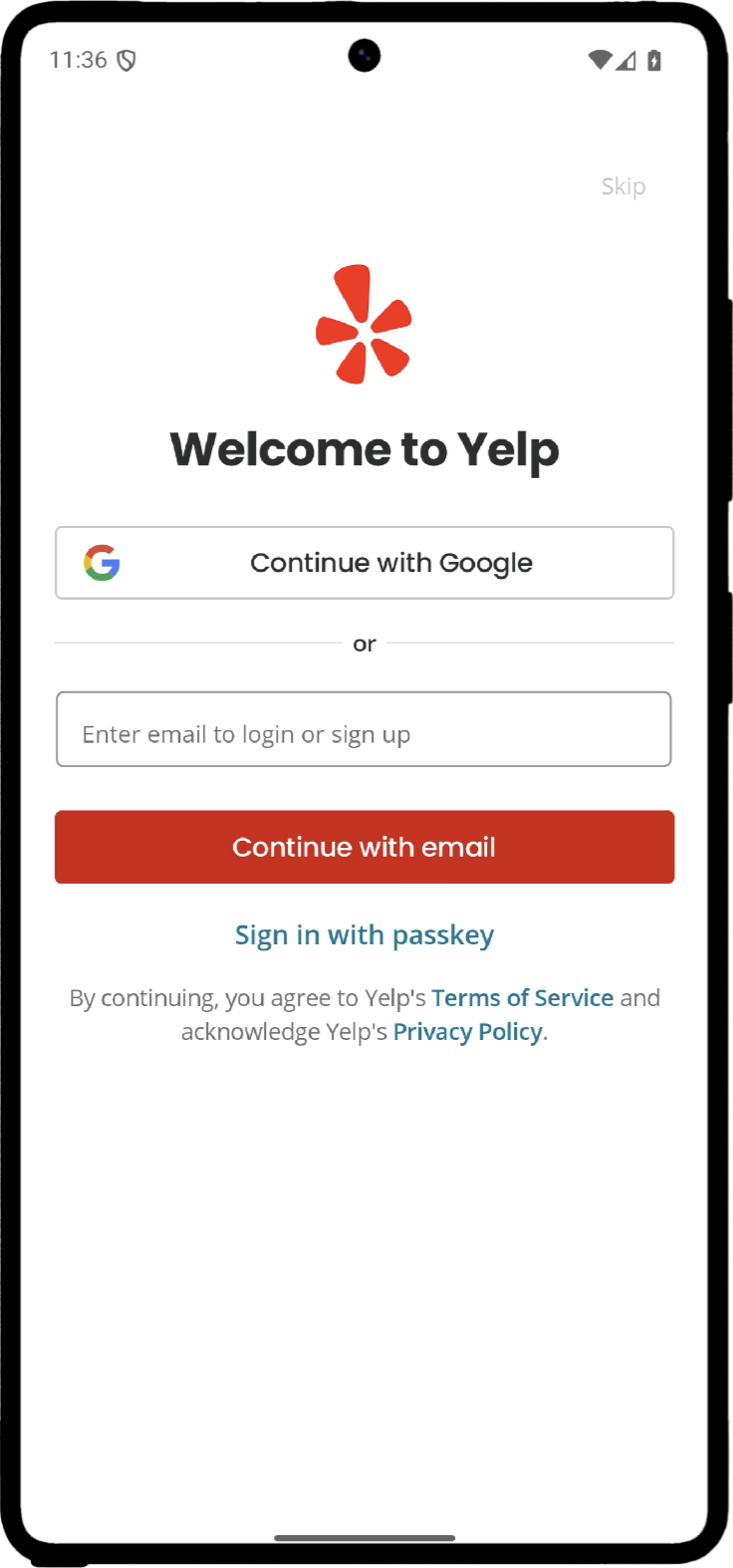
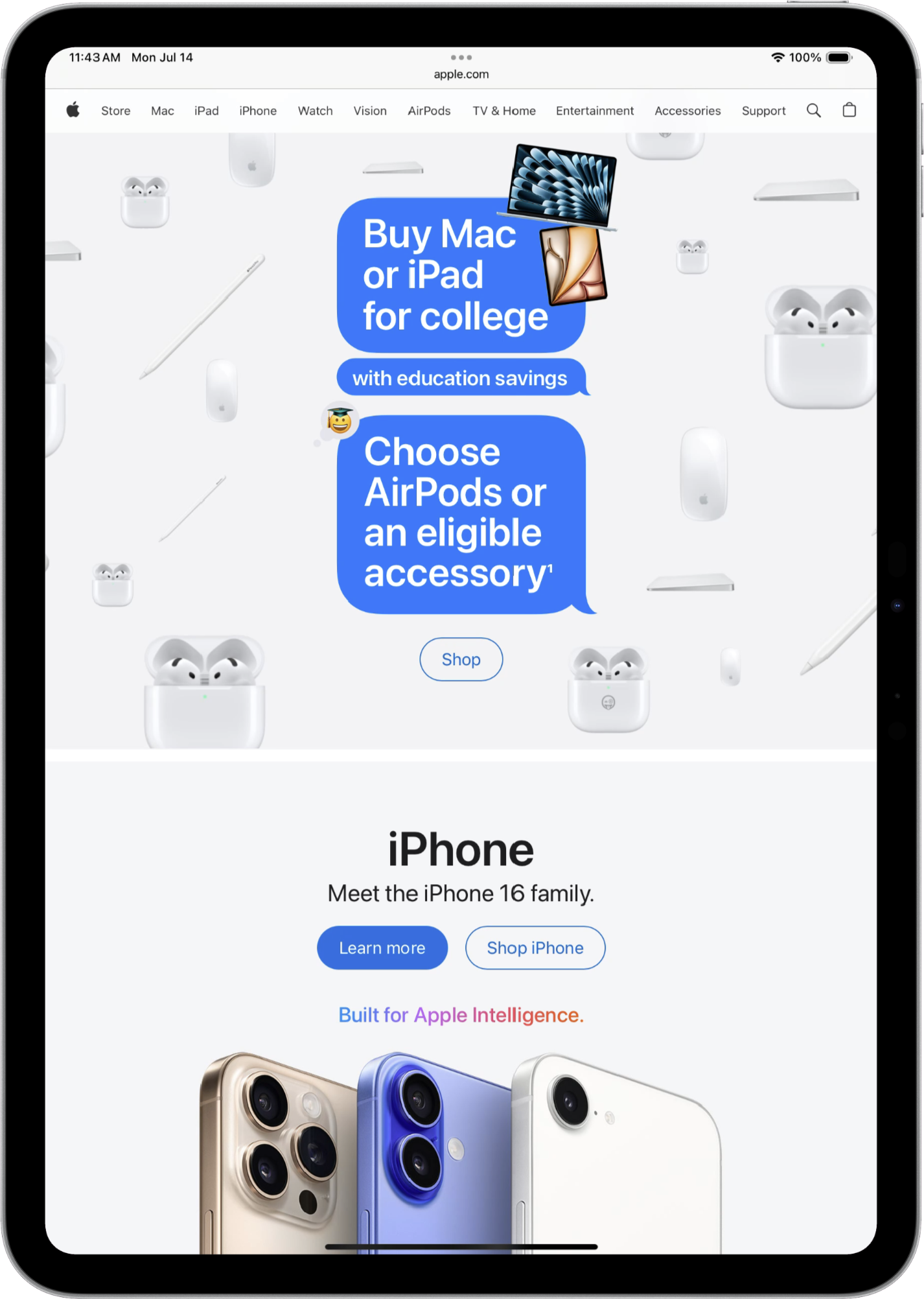
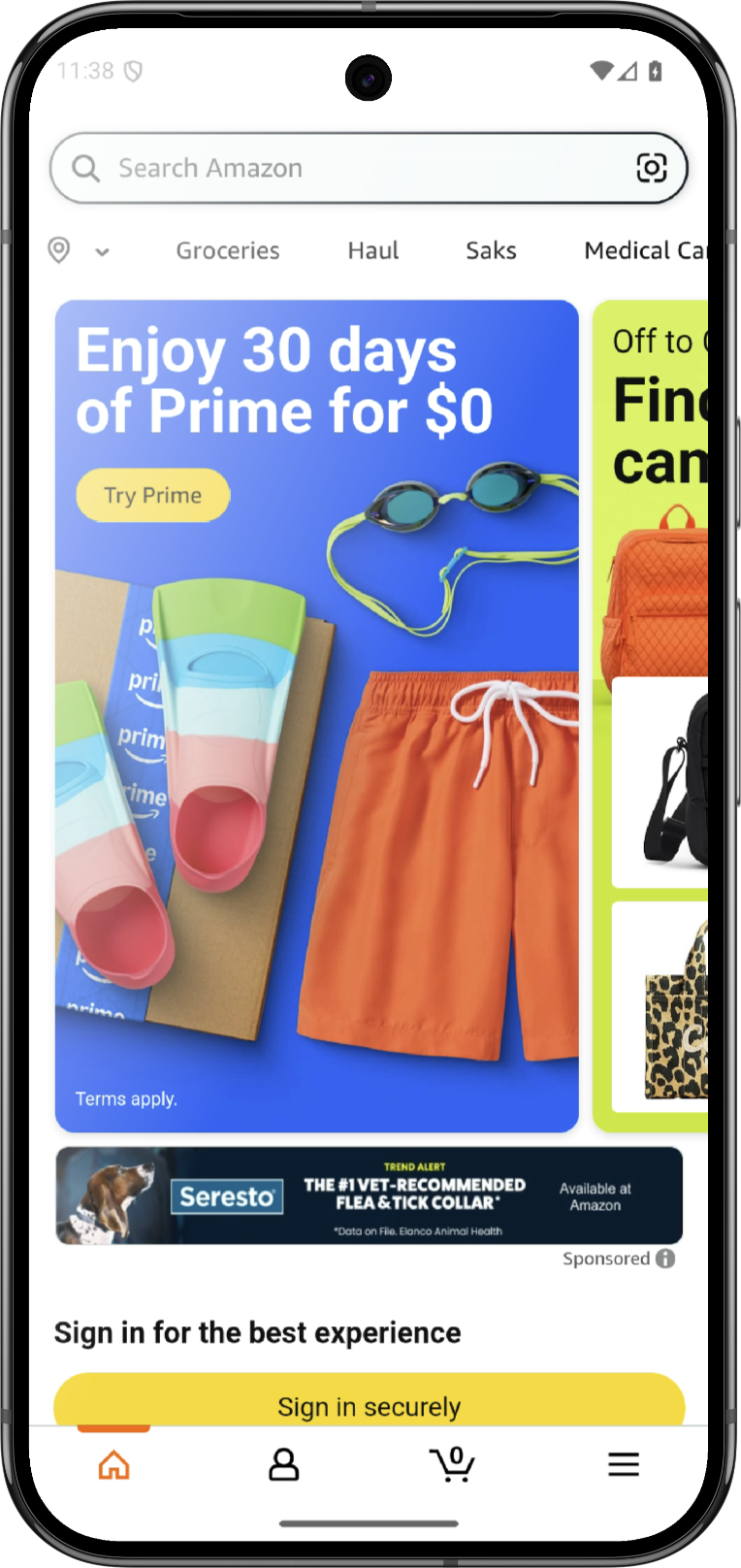
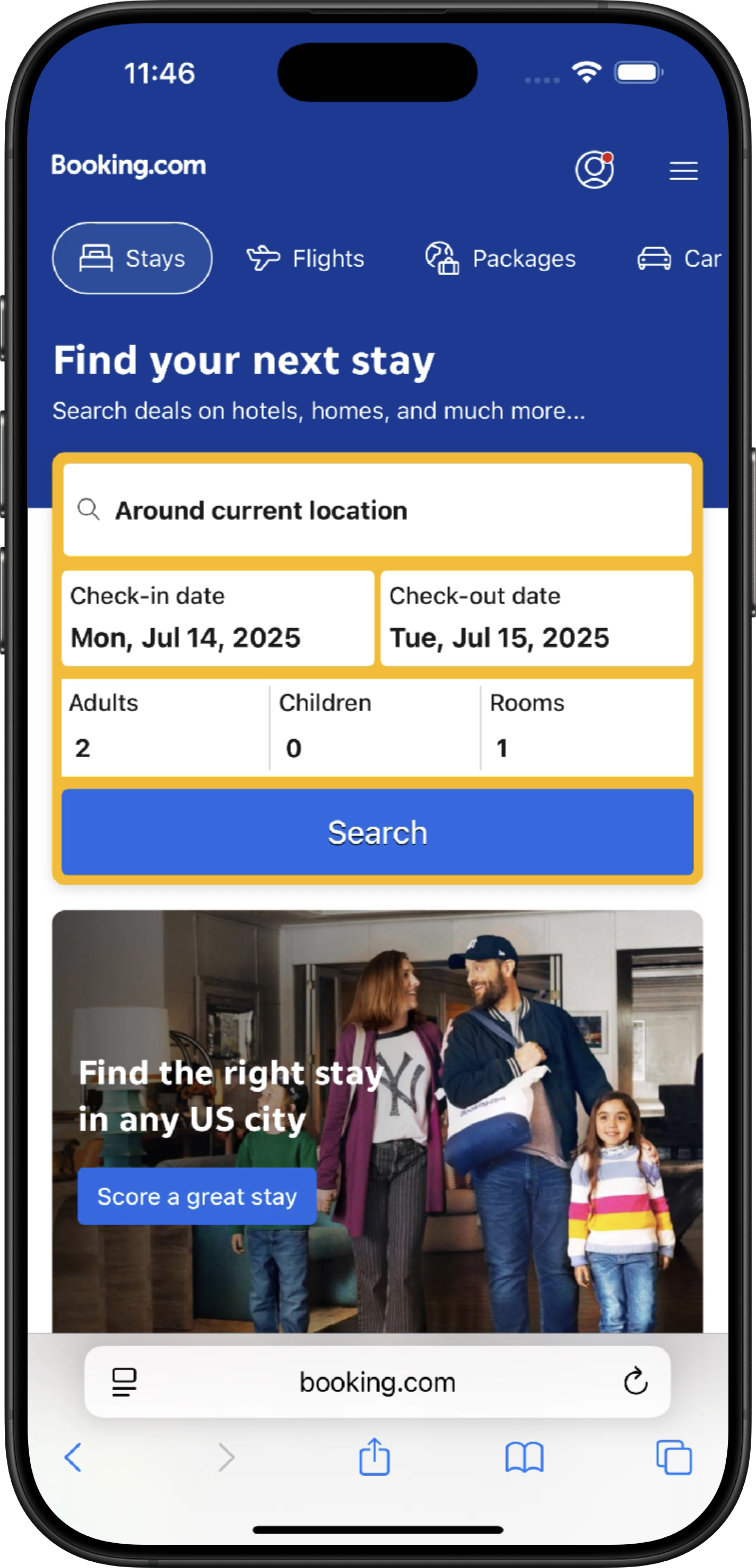
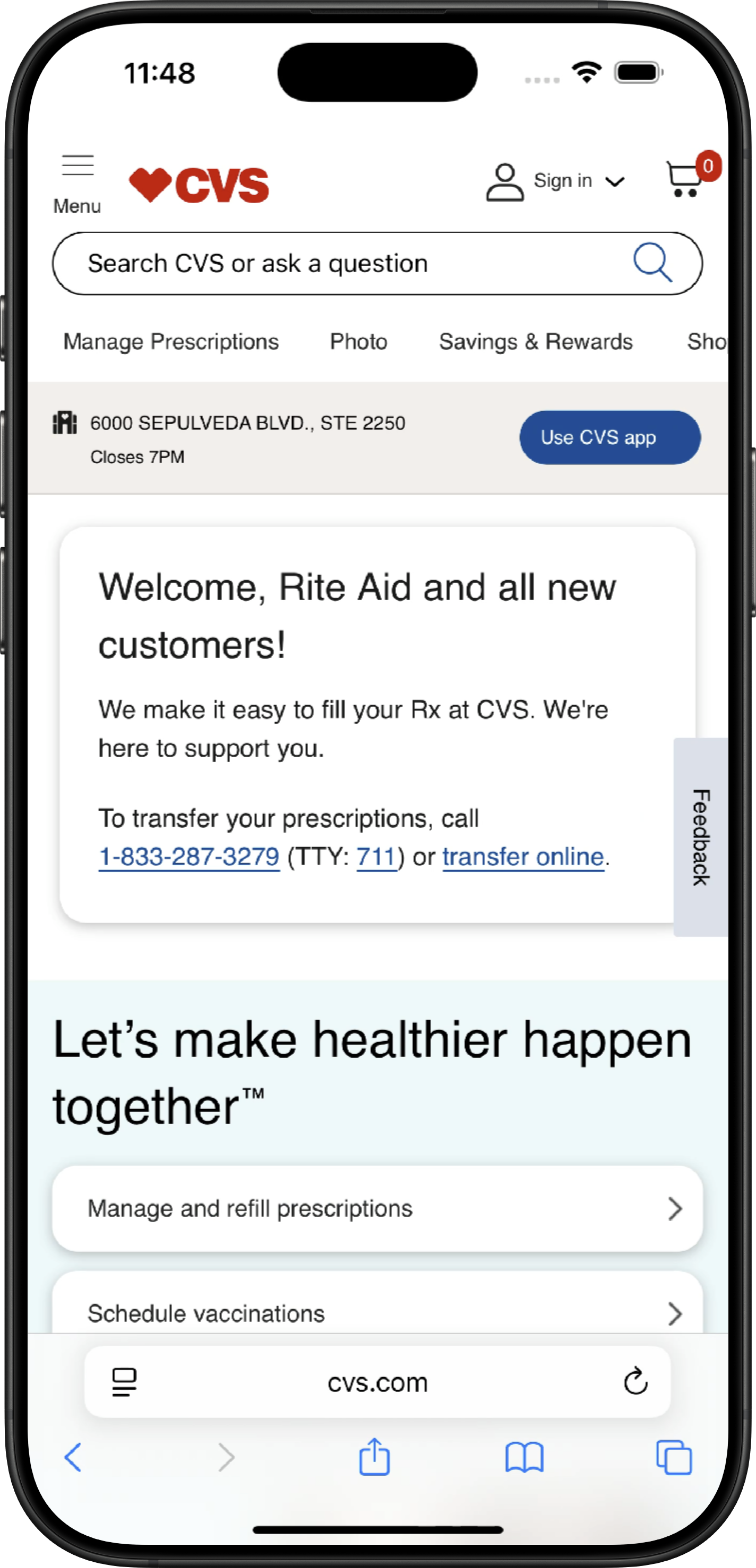
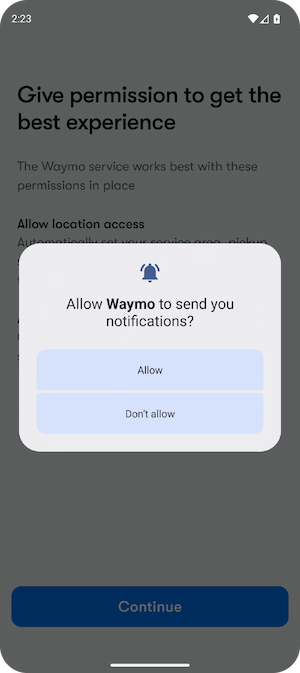
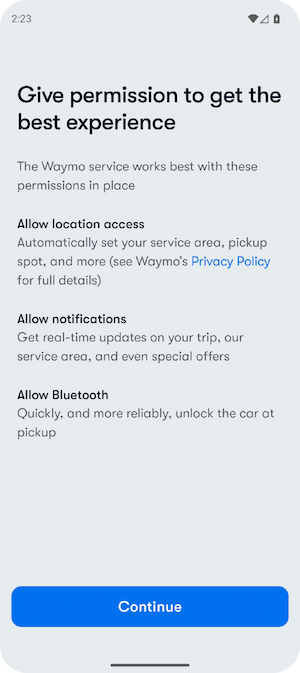
Launch the latest iPhone, iPad, and Android devices on your Mac. No engineering setup needed.
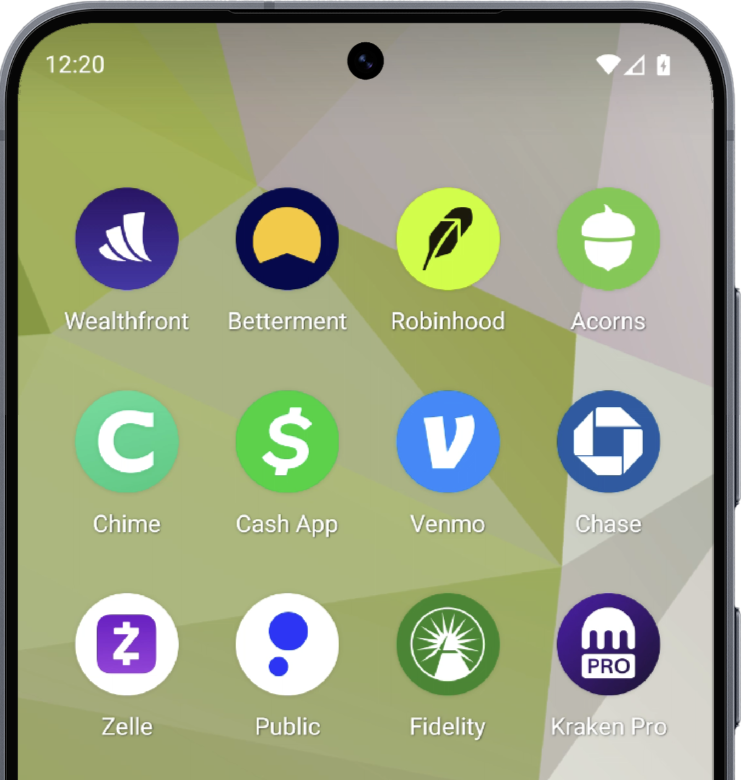
A powerful toolkit for Marketers and PMs

Launch any iPhone, iPad, or Android in seconds
Manage test accounts with one-click paste
Bookmark landing pages and open on any device
Auto-track taps, inputs, and time for every flow

Export perfect screenshots with device frames
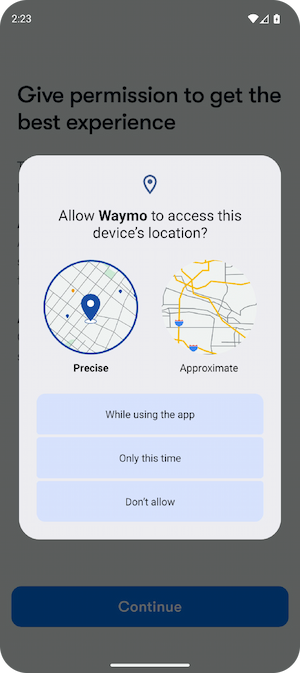
Set GPS location to test anywhere in the world
Automate competitor webpage capture
Works locally on your Mac — no cloud, no lag

Get started with Empath.

Step 1: Setup

Empath installs Xcode and Android Studio and then configures the latest iOS and Android devices for you.

(Takes more than two hours on your own, Empath guides you in about 10 min.)


Step 2: Launch

Launch any device in one click. We handle all the technical setup.

(No coding required. Download your own iOS app or grab any from Google Play.)


Step 3: Customize

Customize your device frame, color, or reflections. Save test accounts. Bookmark landing pages.

(Seamlessly sign into test accounts. Instantly launch competitor websites. Easily perfect your workspace.)


Step 4: Automate

Screenshot all of your competitors’ sites at once, track the time spent and taps for any flow, or instantly jump to any GPS location.

(Save hours with automated screenshots, input tracking, and so much more.)


Step 5: Share

Save screenshots. Easily export your top user flows. All files already on your Mac.

(Customize screenshots with frames, reflections, and No email-to-yourself nonsense.)

How Empath Works

Empath automates installing Xcode and Android Studio and then automatically creates and configures the latest iOS simulators and Android virtual devices. You can switch between platforms in just a couple of clicks.

Customize for perfect screenshots and demos

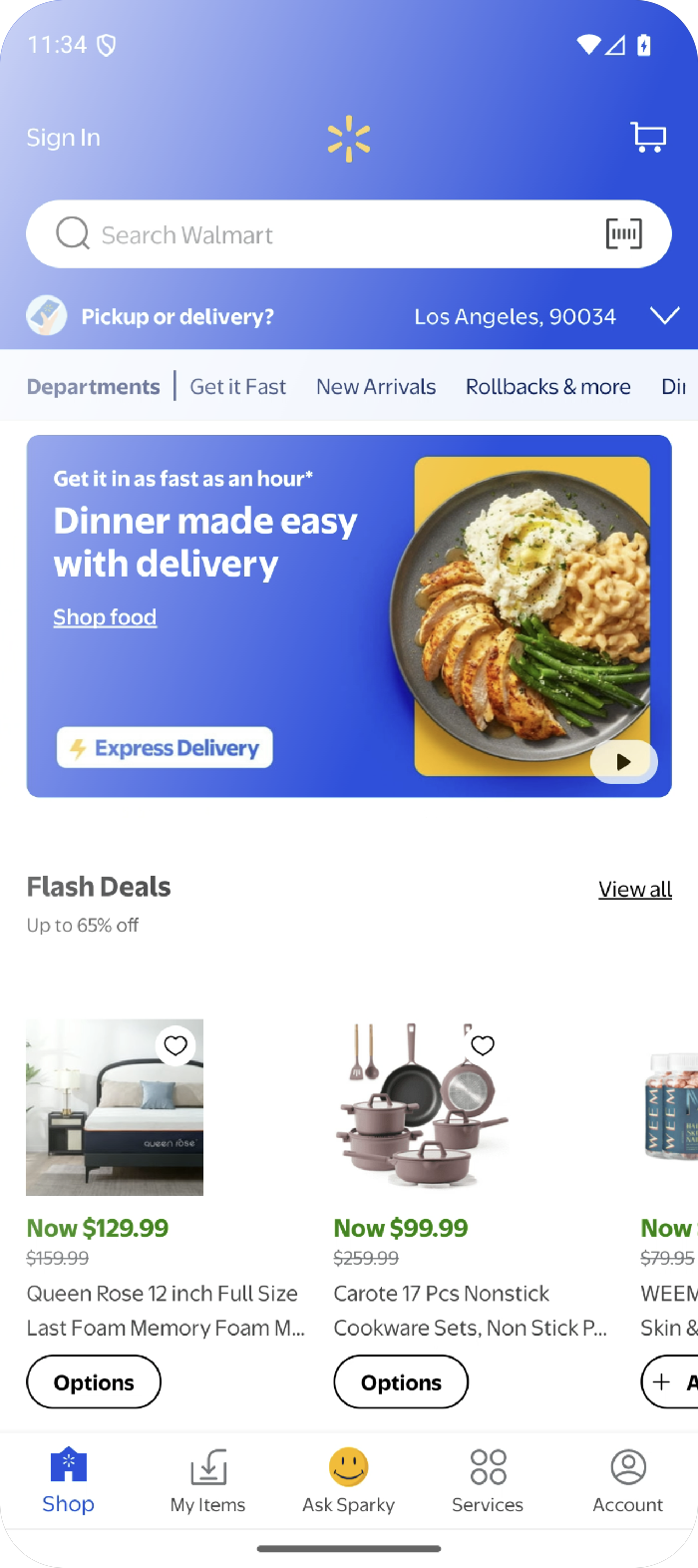
Customize the frame and reflections to get the pixel-perfect display. Every screenshot is a transparent PNG ready to drag or copy into a presentation, Figma, or your marketing.


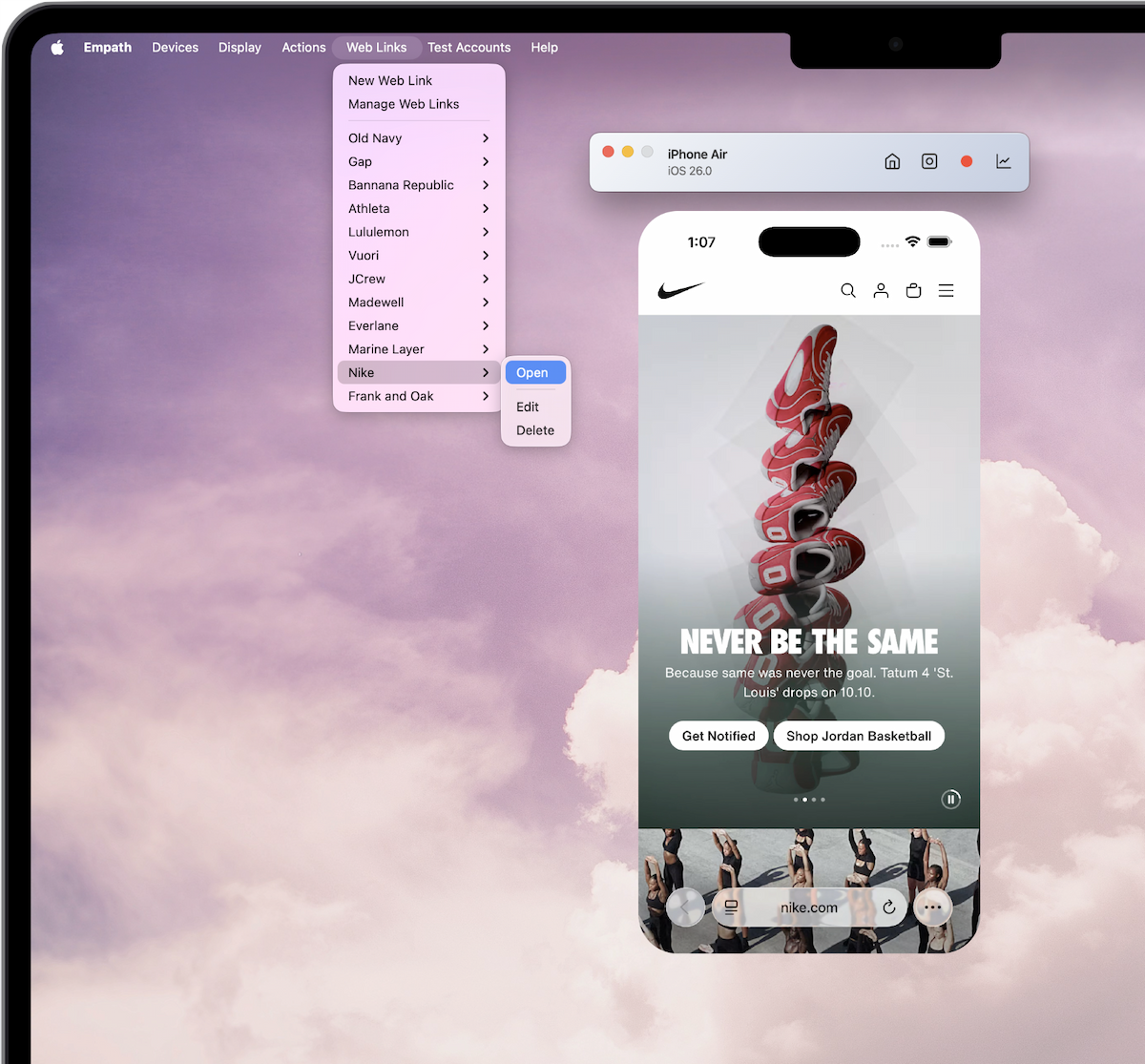
Add all of your competitors or top landing pages once. Launch them on any device instantly with universal bookmarks across every platform.

Your competitors at your fingertips
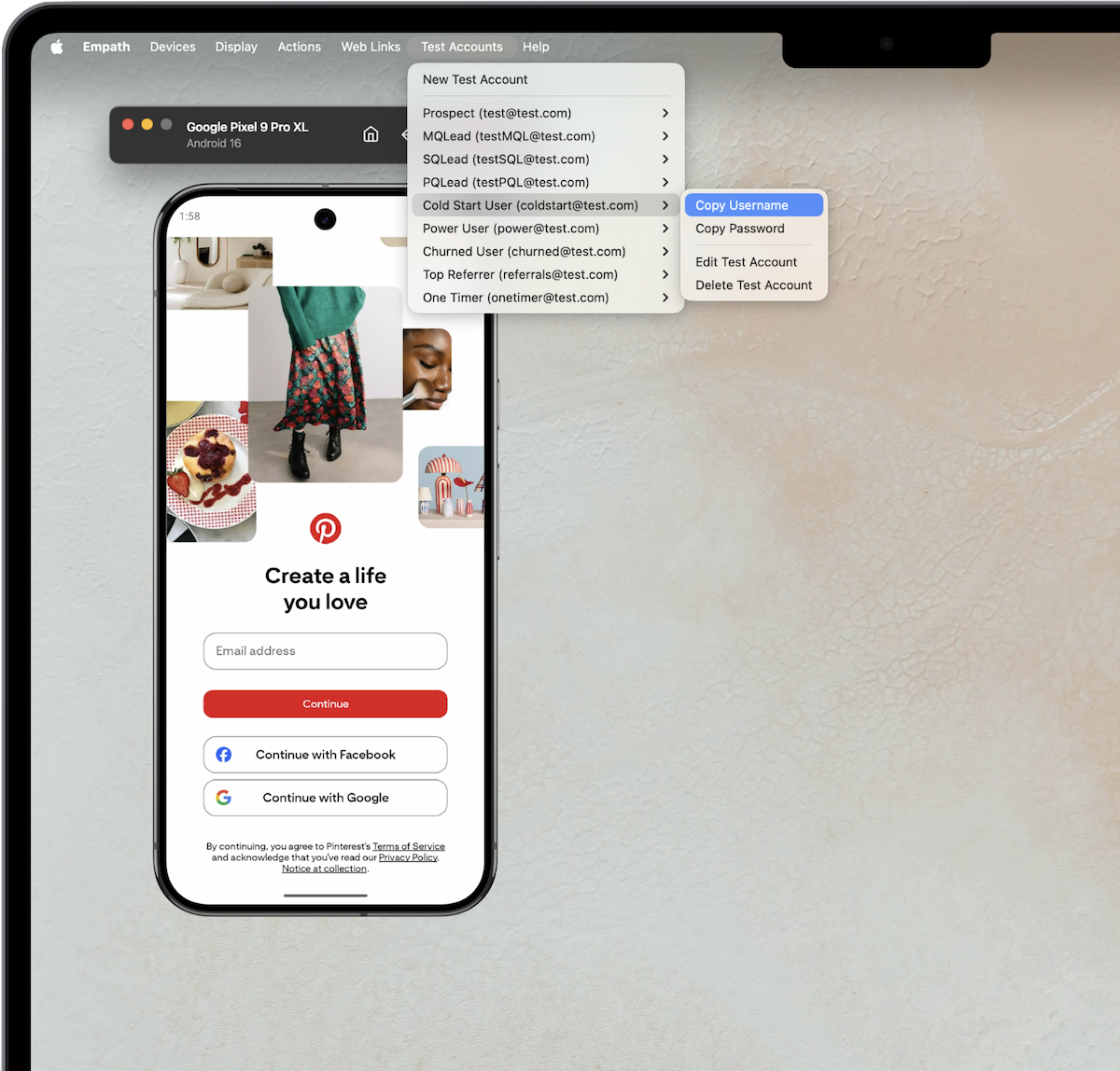
The easiest way to understand your customer is to be one

Jump into any user state such as new users, returning customers, A/B test users, or any important segment — all in a few clicks. Copy and paste seamlessly from a built in test account manager to your device.
Automated input tracking to audit your top flows

Empath can track your taps, keyboard inputs, and time spent. Easily see how much time and the number of interactions it takes to navigate a flow.

Capture user journeys for Figma, onboarding guides, or marketing

Set any GPS location for local testing

Validate location-specific UX designs and local SEO from anywhere in the world. Preview how your app or site performs in any market.

Automate your competitive analysis

Enter up to 10 URLs and get full-page captures in about a minute — no scrolling, no tabs. Save hours of manual screenshotting and export either the full pages or presentation-ready framed screenshots.